
Binary Options - EZTrader4.0.8 - Get APK
You'll be able to download in few seconds.
Publisher Description
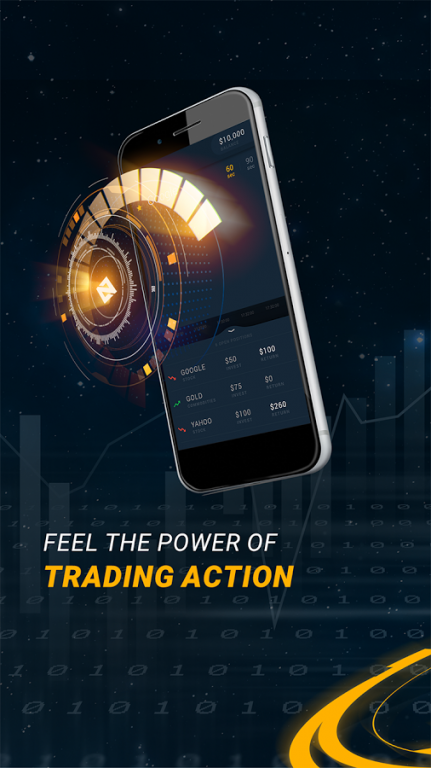
Trade Anywhere, Anytime on Any Device with EZTrader’s Official Mobile App
EZTrader's new app, equipped with tools like, ‘My Trading Analyst’ and ‘EZ Experts’ makes it unique in online trading. Ideal for beginners or experienced traders – this user-friendly mobile app follows the EZTrader philosophy by looking after you, and your investments.
On the EZTrader app right now or coming soon in the latest version:
• An unrivaled Education Centre complete with videos, eBooks, webinars & much more
• Live Signals and Demo Mode help master the art of trading
• ‘My Trading Analyst’ tool counters weaknesses & capitalise strengths
• Advice from respected, independent traders for true insights
• Up-to-the-minute Financial News to always keep you a step ahead
EZTrader is climbing its way up to the top of the binary options broker list by maintaining its place at the forefront of technology, consistently leading the latest developments in the online world and looking after its customers, making sure that they have the best tools and education centre available to build their capital, in an effective and straightforward way.
EZTrader’s mobile app is your gateway into the trading world. Try out new features to help you hone your trading skills and boost your performance.
Download now and enjoy our FREE superior trading experience.
Check out our other services, or get more information about binary options and trading at www.eztrader.com.
EZTrader – Your Trading Companion
Risk Disclaimer: Trading binary options is highly speculative and carries a high level of risk.
About Binary Options - EZTrader
The company that develops Binary Options - EZTrader is WGM Services Ltd. The latest version released by its developer is 4.0.8.
To install Binary Options - EZTrader on your Android device, just click the green Continue To App button above to start the installation process. The app is listed on our website since 2016-09-13 and was downloaded 0 times. We have already checked if the download link is safe, however for your own protection we recommend that you scan the downloaded app with your antivirus. Your antivirus may detect the Binary Options - EZTrader as malware as malware if the download link to com.eztrader is broken.
How to install Binary Options - EZTrader on your Android device:
- Click on the Continue To App button on our website. This will redirect you to Google Play.
- Once the Binary Options - EZTrader is shown in the Google Play listing of your Android device, you can start its download and installation. Tap on the Install button located below the search bar and to the right of the app icon.
- A pop-up window with the permissions required by Binary Options - EZTrader will be shown. Click on Accept to continue the process.
- Binary Options - EZTrader will be downloaded onto your device, displaying a progress. Once the download completes, the installation will start and you'll get a notification after the installation is finished.
Program Details
System requirements
Download information
Pricing
Version History
version 4.0.8
posted on 2016-09-13
EZTrader’s mobile app is your gateway into the trading world. Try out new features to help you hone your trading skills and boost your performance.,Update now and enjoy our FREE superior trading experience.
version 2.5
posted on 2013-06-30
Several fixes and updates
Disclaimer
External Download
We do not host Binary Options - EZTrader on our servers. We did not scan it for viruses, adware, spyware or other type of malware. This app is hosted by Galad and passed their terms and conditions to be listed there. We recommend caution when installing it.
The APK Download link for Binary Options - EZTrader is provided to you by apps112.com without any warranties, representations or guarantees of any kind, so access it at your own risk.
If you have questions regarding this particular app contact the publisher directly. For questions about the functionalities of apps112.com contact us.
